
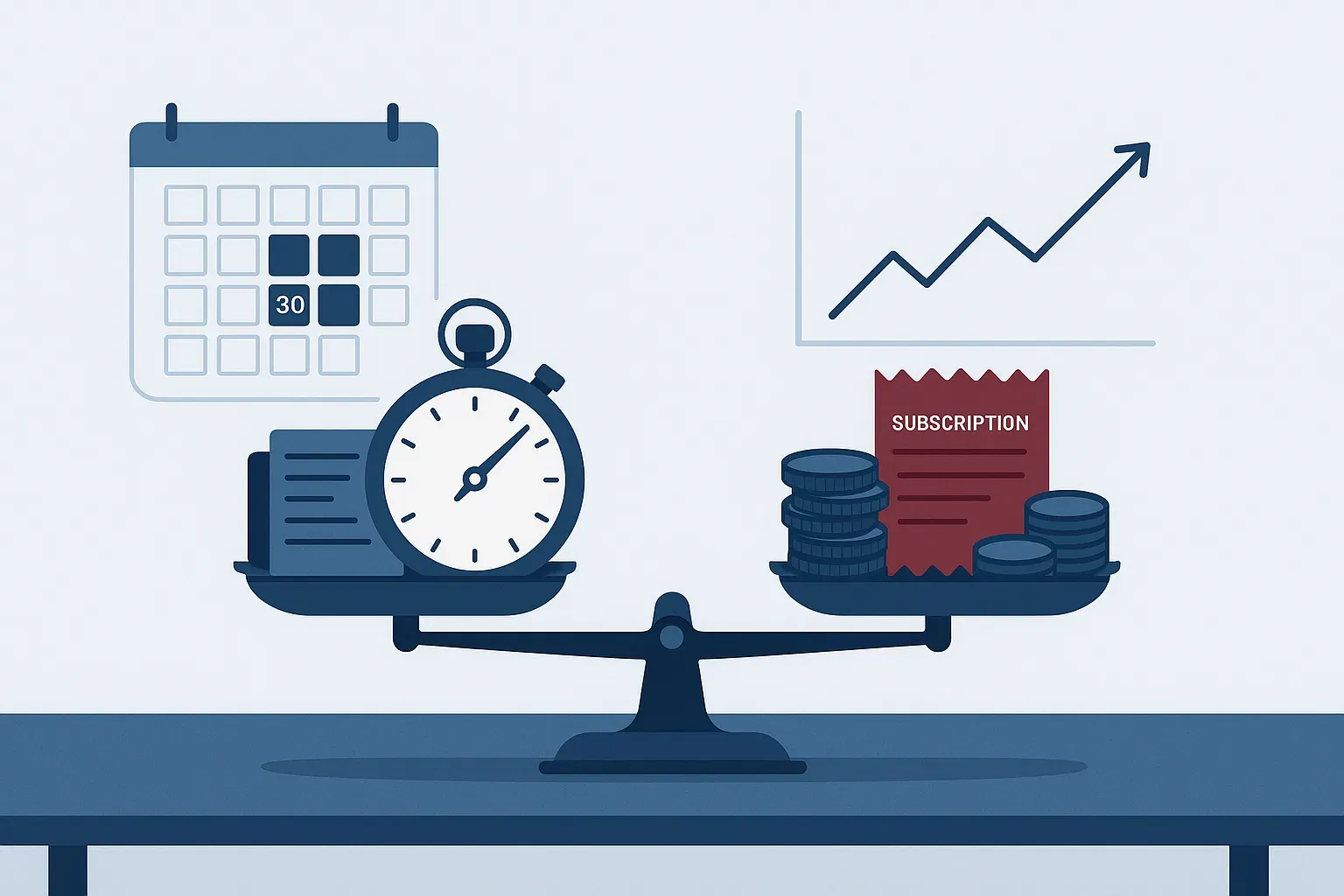
A lot of small-business owners around Houston have added AI to their monthly bills over the past year or two. A chatbot subscription here, an AI add-on to the accounting software there, a note-taking tool someone on the team signed up for with the company card. Ask whether it's worth it and the honest answer is usually, "It feels like it."
Feeling faster isn't the same as saving money. The good news is that finding out doesn't require a consultant or a complicated spreadsheet. It takes a baseline, an honest cost count and a few weeks of paying attention.
Start with a baseline
You can't measure improvement without knowing where you started. Pick one or two specific tasks where AI is being used, or where you'd like to use it, and measure them the old way first.
Good candidates are tasks that repeat often and follow a pattern. At a dental office in Friendswood, that might be writing appointment reminders and treatment explanations. For a small property management company in Pearland, it could be answering the same tenant questions every week. For a professional services firm, it might be turning meeting notes into client follow-ups.
For each task, jot down:
- How long it takes, on average, from start to finished.
- Who does it, and roughly what an hour of their time costs you.
- How often it happens each week.
- How often mistakes or rework come up.
Even rough numbers are fine. You're looking for direction, not precision.
Count the whole cost, not just the subscription
The monthly fee is the easy part. The costs that get missed are the ones that don't show up on an invoice:
- Review time. AI drafts still need a person to read, correct and approve them. That time counts.
- Learning curve. The first few weeks with any new tool are slower, not faster.
- Rework. If an AI-assisted task produces an error that a customer catches, the cleanup can erase a month of savings.
- Overlap. Many offices are paying for two or three tools that do roughly the same job, sometimes alongside AI features already included in their Microsoft 365 licenses.
- Risk. A tool nobody vetted can expose customer data. The cost of that problem is hard to predict and rarely small.
Add those up honestly and compare them to your baseline. Sometimes the math is clearly positive. Sometimes it isn't, and that's worth knowing too.
Run a 30-day pilot
Rather than rolling a tool out to everyone and hoping, test it on purpose:
- Choose one task and one or two people. Keep the pilot small enough to watch closely.
- Set a goal you can measure, like "cut reminder-writing time in half without more errors."
- Track time and quality weekly using the same measures as your baseline.
- Ask the people doing the work what's better, what's worse and what they'd change.
- Make a clear call at the end: expand it, adjust it or cancel it.
A pilot also gives you a natural moment to set ground rules, such as which data can go into the tool and who reviews the output, before the tool spreads.
Trim what isn't earning its keep
Once or twice a year, pull a list of every AI subscription and add-on the business pays for. Cancel anything nobody can point to a result from. Consolidate overlapping tools. Check whether features you're paying extra for are already part of software you own.
This is also a good time to look at the bigger picture. The most valuable use of AI in a small business is usually the one aimed squarely at a real bottleneck, not the one everyone happens to be talking about this month.
If you'd like help sorting through what you're paying for and what's actually delivering, our IT consulting team does this kind of review regularly for businesses across the Bay Area and greater Houston. We'll give you a straight answer, including when the right move is to stop paying for something. If you'd rather just talk it through first, schedule a discovery call and we'll start with your questions.
AI can absolutely save a small business money. The businesses that see it are the ones that measure.