
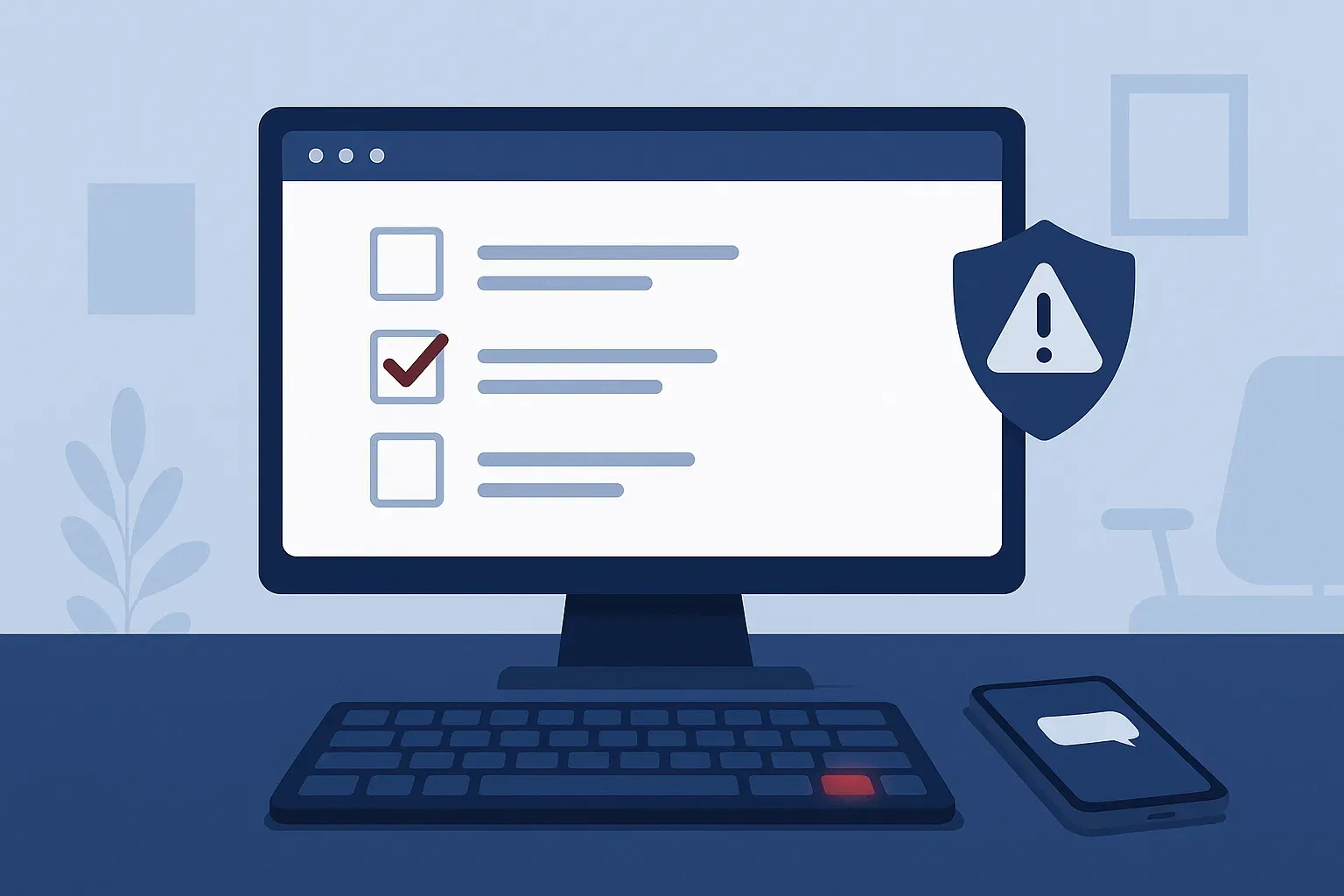
Every day, your staff click through little verification boxes without a second thought. A checkbox, a few blurry pictures of crosswalks, maybe a slider puzzle. Those checks exist to keep bots off websites, and most of them are harmless.
Scammers have noticed how automatic that click has become. A growing number of malicious sites now put up a fake verification screen that looks official but asks the visitor to do something a genuine check would never require. The goal is to get a real person to do the attacker's work for them.
Two tricks worth knowing about
The "send a text to verify" page. The screen says you need to confirm you're a person by texting a code. The button hands off to your texting app with a prewritten message waiting. One tap on send, and the page may fire off messages to premium or overseas numbers that bill your phone account. Nothing happens right away, so nobody connects it to the site until the carrier bill shows odd charges weeks later.
The "press these keys" page. This one targets computers. The page claims verification failed and walks you through a "fix": press the Windows key and R, paste with Ctrl+V, then hit Enter. What you don't see is that the page quietly copied a command to your clipboard. Those three keystrokes run it, and that command can download malware, steal saved browser passwords, or open a back door for someone to return later. It's clever because the user does the installing, which can slip past some protections that would stop an ordinary download.
Neither trick requires the victim to be careless. Both rely on people being busy and following instructions that look routine.
How people end up on these pages
Usually not by typing in a sketchy address. These screens tend to appear after a click on a search ad, a link in an email, or a legitimate small-business website that has been hacked and quietly redirects visitors.
Picture the front desk at a Pasadena medical office looking up a supply vendor's phone number between patients. The top result looks right, the page loads a "checking your browser" screen, and then it asks for one more step. It takes about ten seconds to go wrong.
The simple rule to teach your team
Real verification checks happen inside the browser window. They ask you to click, tick, drag, or pick pictures. That's it.
Here's what no genuine check will ever require:
- Texting a code or calling a number from your phone
- Pressing Windows + R, or opening Run, Command Prompt, PowerShell, or Terminal
- Pasting anything into a box outside the web page
- Downloading and opening a file to "finish verifying"
- Typing your Microsoft 365 or email password
If a page asks for any of those, close the tab and move on. There's no need to work out whether it's "really" a scam. The request itself is the giveaway.
What to do this week
A few practical steps for any business owner:
- Share the rule. Send the list above to your team in a short email or bring it up at your next staff meeting. Two minutes is enough. Awareness training works best when it's specific, and this is about as specific as it gets.
- Make it safe to speak up. If someone already followed the steps, you want to hear about it in the next five minutes, not next month. Tell people plainly that nobody gets in trouble for reporting a mistake.
- Check who has admin rights. Staff who work as standard users rather than local administrators limit how much damage a pasted command can do.
- Look at your phone plan. If company phones are on a business account, ask your carrier about blocking premium-rate texting.
- Confirm someone is watching your security alerts. A tool that raises an alert nobody reads isn't helping. Managed network security means a person is watching for exactly the kind of suspicious command these pages try to run.
If someone already clicked
Disconnect the computer from the network by unplugging the cable or turning off Wi-Fi, don't sign into anything else from it, and call your IT provider. From a different device, change the password for any account that was signed in on that computer, starting with email. Acting quickly usually turns a potential breach into a minor cleanup.
We help businesses across the Houston area and the Gulf Coast keep their teams trained and their computers watched. If you'd like a second set of eyes on how your office would handle a page like this, schedule a discovery call and we'll walk through it with you.